macOS app
Required on your Mac. Handles permissions, hosts the sync engine, and connects to your browsers.
Download for macOS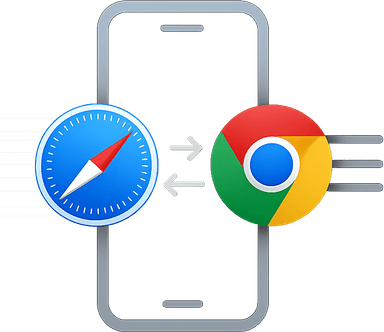
Install the Mac app and Chrome extension to keep Safari and Chrome history aligned across your devices.
Required on your Mac. Handles permissions, hosts the sync engine, and connects to your browsers.
Download for macOSAdds synced history to Chrome and talks to the Mac app through the native messaging host.
Add to ChromeNeed a license? View pricing